Bring an old family photo back to life
Old prints get natural, era-appropriate movement while keeping their grain, colors and character.
Make this videoFrom $1.25 per video · no subscription · usually ready in a few minutes. See pricing
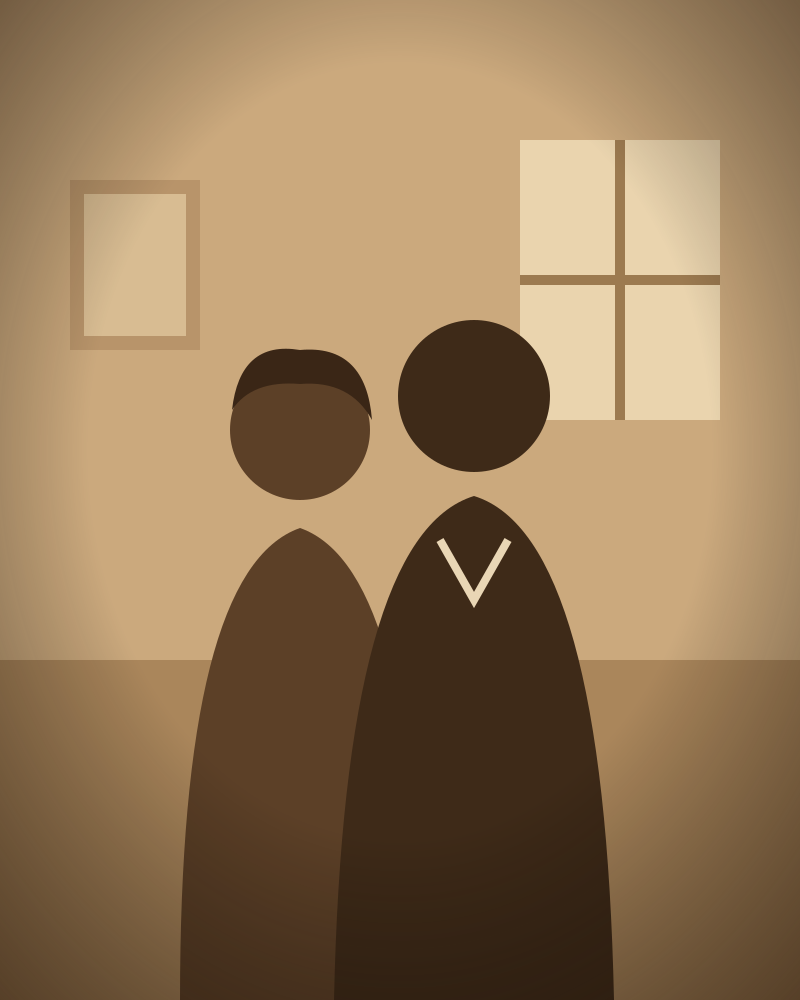 Old photo comes alive
How to animate old photos with AI
Animate old photos with AI and bring family history to life: a black-and-white wedding portrait that smiles, grandparents who wave, ancestors who blink and turn toward the camera. Scan or photograph the print, upload it, and describe the moment.
The original grain, tones and clothes are kept. For faded or very small prints, crop to the people first so their faces fill more of the frame.
Try one of these
Tap an example to open the studio with it filled in — then change any word.
How to make it
- Drop a photoA selfie, a pet, a product, an old family print or an ultrasound scan.
- Say what happensOne sentence in any language. The AI director turns it into shots and keeps faces and proportions true.
- Share your filmPick a look and a format, see the price, and get your video in a few minutes.
Tips for the best result
- Scan or photograph the print straight on, without glare.
- Crop away the album page so the people fill the frame.
- Describe small actions: looking at each other, a smile, a wave.
Questions
Does it colorize the photo?
No, the original colors are kept. Ask for color in your idea if you want it.
What if the photo is damaged?
Light scratches are fine. Heavily damaged faces may not animate well.
How do I scan an old photo?
A phone photo works: lay the print flat in daylight, avoid glare and shoot straight from above.
Does it work with black-and-white photos?
Yes. The video keeps the black-and-white look unless you ask for color.
More ideas